You don't need an account for the sound. Everything audio works on your computer without one, and nothing is tracked.
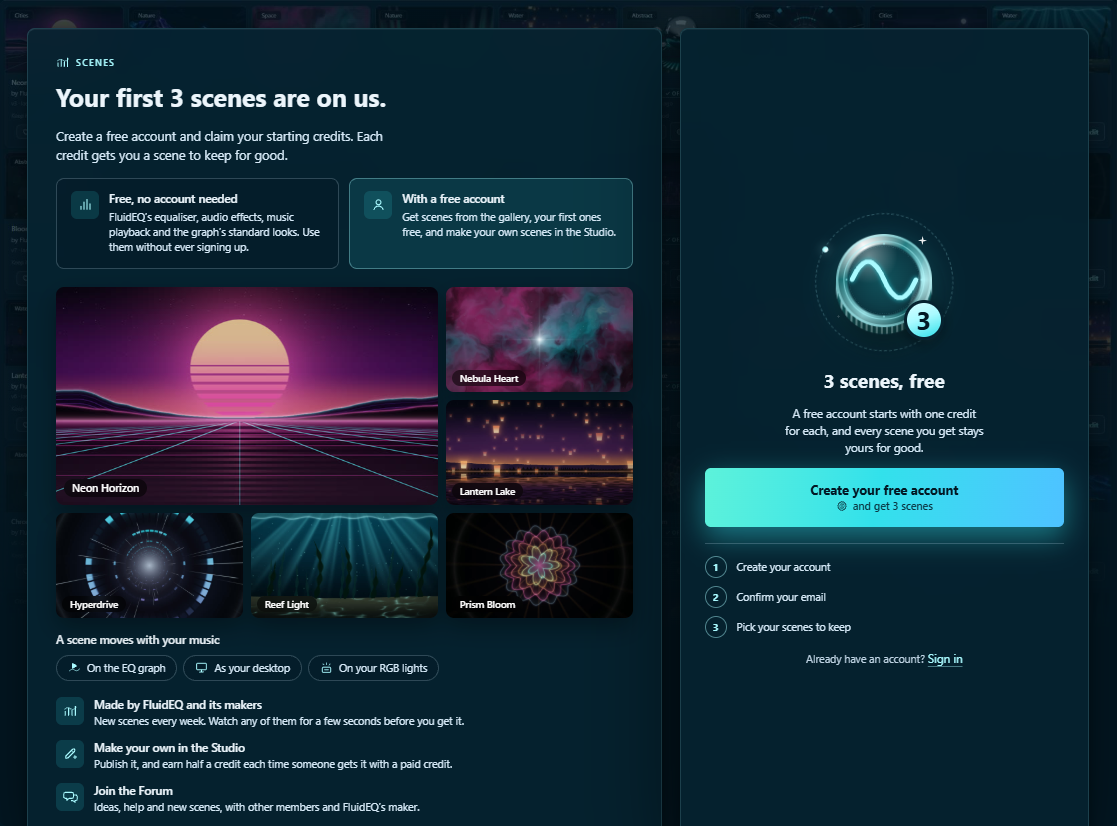
What an account adds: the Scenes tab
- Gallery: living scenes under your EQ curves, from FluidEQ and from members.
- Studio: make your own scenes.
- Desktop background: a scene behind your desktop icons.
- Dynamic lighting: your keyboard, mouse and headset in the scene's colours.
Making one
- Open the Scenes tab and press Create your free account.
- Type the six-digit code sent to your email.
- Your account is the card at the foot of the tab's left rail.
Credits
- A new account gets 3 free credits.
- Each credit gets one scene to keep for good: on every computer you sign in to, with every new version its maker publishes.
- More come in packs, paid once in your browser on Stripe. The app never sees your card, and nothing renews.
- An account stays signed in on up to five computers.
More: Scenes — the gallery and keeping a scene, and in the app Help → Your account, credits and the Scenes tab.