On Online Media, with the graph shown, it can sit right over the video you're watching:
- Ctrl+S lays the graph over the playing video, with no card behind it.
- Ctrl+F gives the graph the whole screen, over the video.
- Double-click the video for that full screen instead of the site's own. If the graph was hidden, it comes on.
- Esc puts everything back.
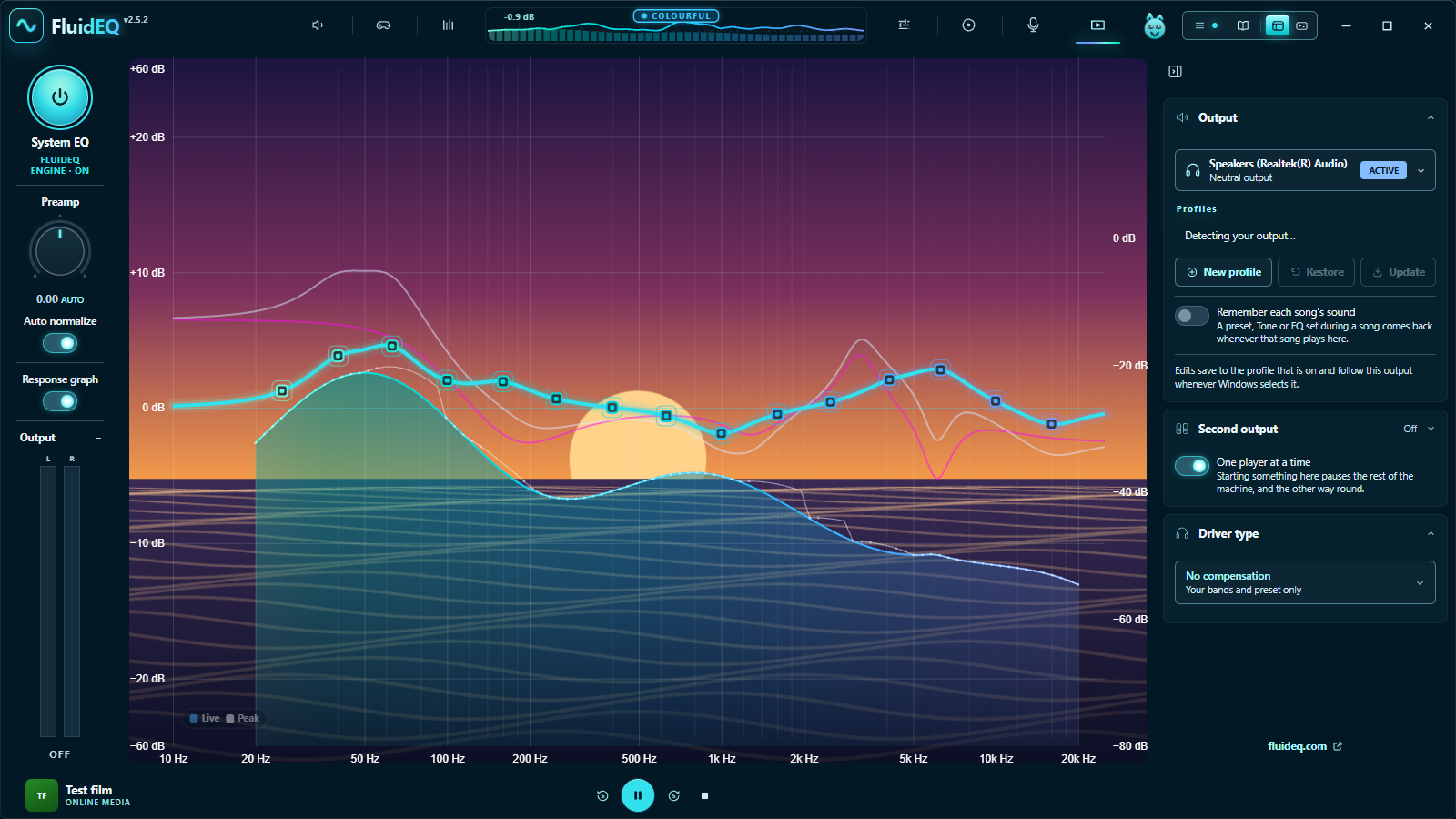
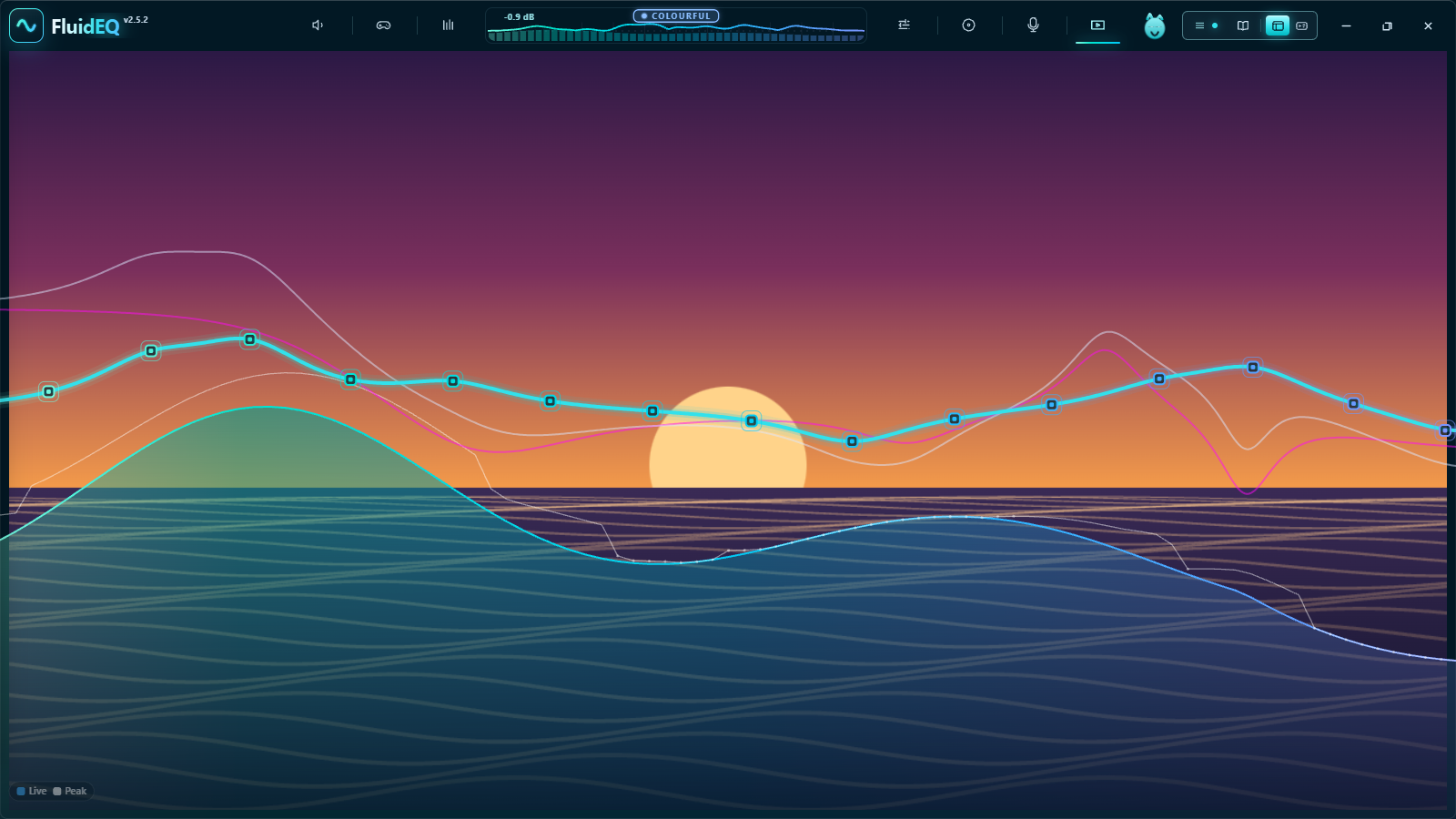
The same works in the Library and in Karaoke. With a scene on the graph, a double-click on the video is the video's ordinary full screen instead, because the scene would cover the picture.