← All topics View on GitHub ↗

🪄 Tips & tricks

Double-click the graph to fill the screen

StartSWest ·

  • Double-click the graph: it fills the screen. Ctrl+double-click: it fills the window. Double-click again to come back.
  • In full screen, a single click shows or hides the controls.
  • A double-click on a band's dot does nothing, so dragging a point never throws you into full screen.
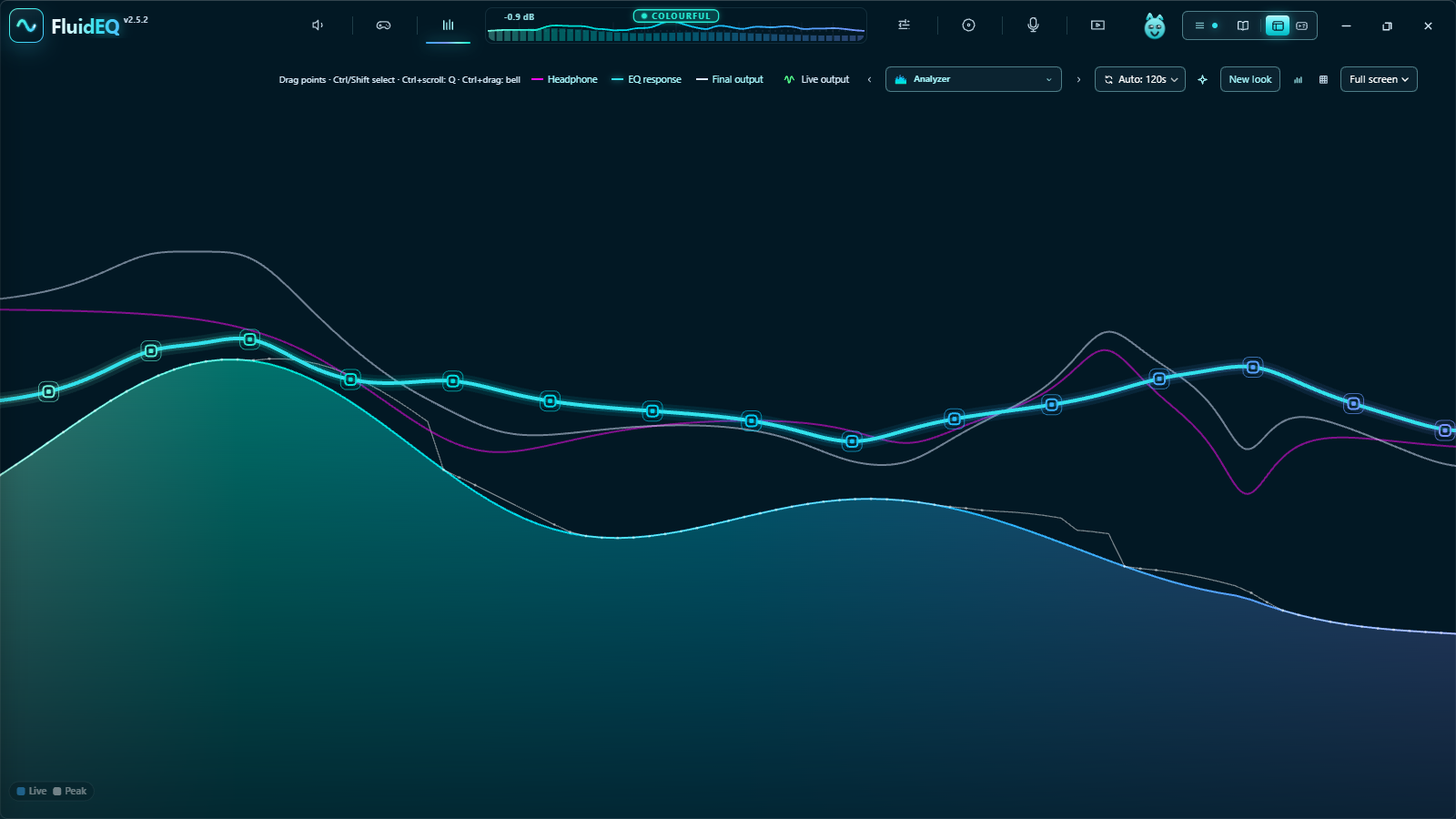
The EQ graph filling the window

Formatting: **bold** _italic_ `code` - list [link](url)

Images: the box here takes text only — giscus cannot upload files. To attach a screenshot, write the post on GitHub and it appears here.

Loading the discussion from GitHub…

Topics Read the FAQ first

New to FluidEQ?

FluidEQ in motion