- Space: the next look. Ctrl+Space or Shift+Space: the one before.
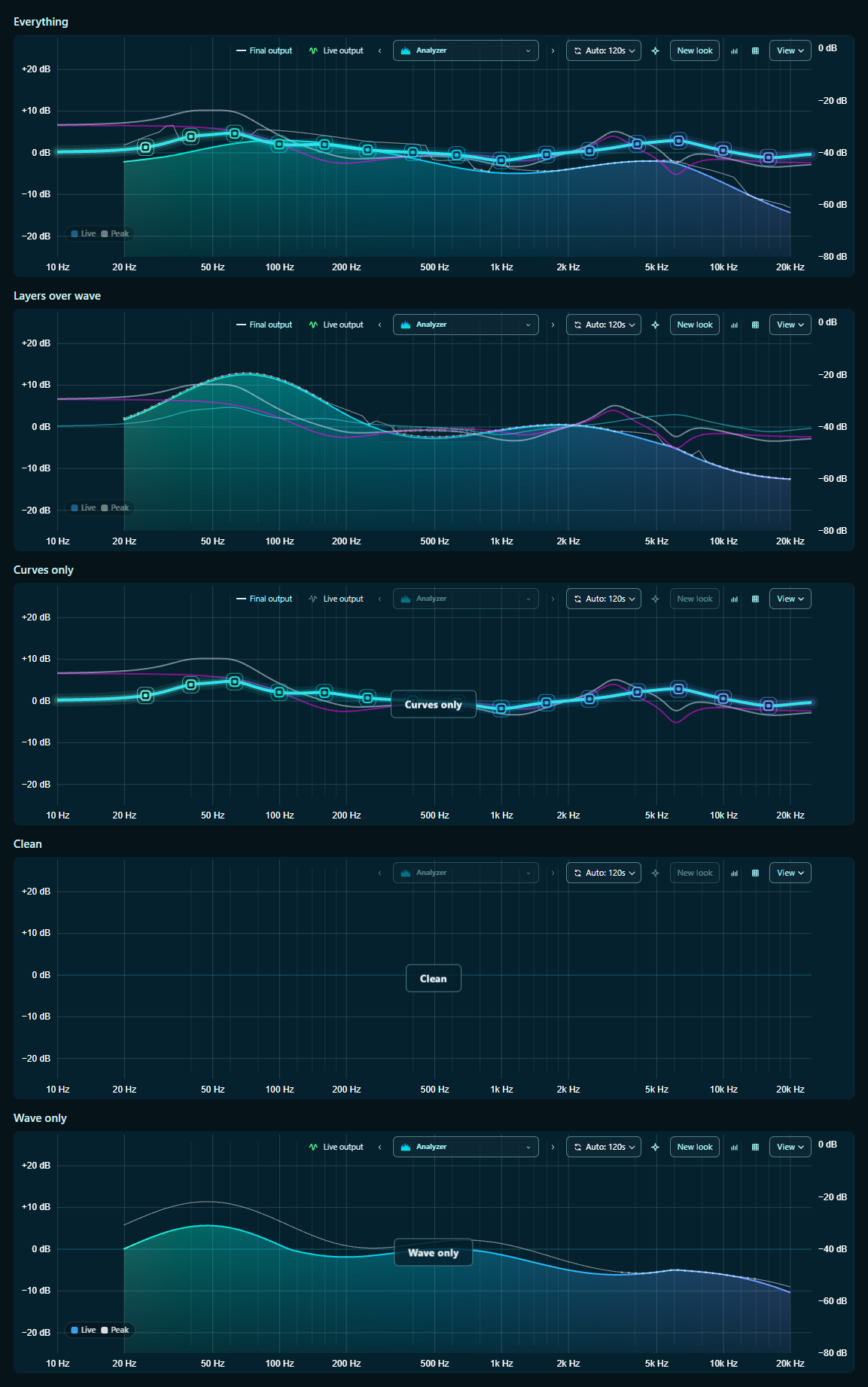
- Ctrl+W: what the graph shows. Everything, Layers over wave, Curves only, Clean, Wave only.
- Ctrl+G: the grid on or off. Ctrl+I: flips the wave.
None of them fire while you're typing in a box.
Formatting:
**bold**
_italic_
`code`
- list
[link](url)
Images:
the box here takes text only — giscus cannot upload files. To attach a screenshot, write the post on GitHub and it appears here.
Loading the discussion from GitHub…