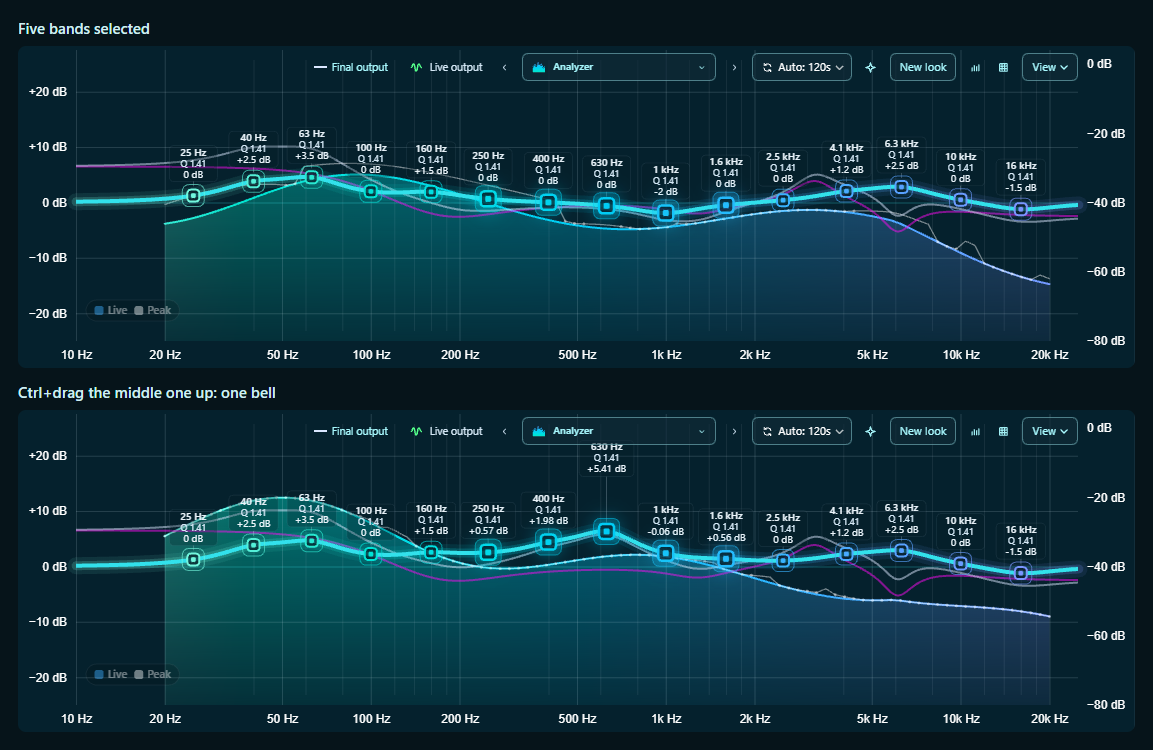
- Ctrl-click or Shift-click bands to select several; Ctrl+A selects them all.
- Ctrl+scroll over a selected band changes its Q, how wide it is.
- With several selected, hold Ctrl and drag one: they move together as one bell, the band you grabbed at its tip and its Q setting the width. Let go of Ctrl mid-drag for a plain move.
- Ctrl+click a gain to put the selected bands back to 0 dB.