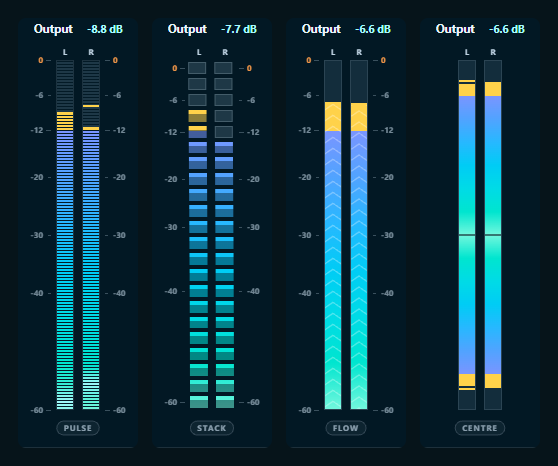
Click the output meter, or the waveform, to step through its styles; the style's name sits at its foot. Ctrl+click goes back one, so you never have to go all the way round.
StartSWest ·
Click the output meter, or the waveform, to step through its styles; the style's name sits at its foot. Ctrl+click goes back one, so you never have to go all the way round.
Formatting:
**bold**
_italic_
`code`
- list
[link](url)
Images: the box here takes text only — giscus cannot upload files. To attach a screenshot, write the post on GitHub and it appears here.
Loading the discussion from GitHub…